Introduction
Charging your Joy-Con controllers properly ensures uninterrupted gaming sessions with your Nintendo Switch. Without the right charging techniques, controllers may run out of power unexpectedly. This article provides you with comprehensive insights into various charging methods, best practices, and troubleshooting tips to keep your Joy-Con controllers fully charged and ready for play.
Understanding Joy-Con Controllers and Their Charging Needs
Joy-Con controllers are a vital part of the Nintendo Switch experience, offering versatility in gameplay. Understanding their charging system is essential to maintain their performance. When connected to the Switch console, the Joy-Cons recharge automatically. This built-in battery, designed for longevity, needs systematic charging after extended gaming. Recognizing these requirements helps lay the groundwork for exploring effective charging techniques. Armed with this knowledge, you can move on to explore the methods.
Different Ways to Charge Joy-Con Controllers
There are several ways to charge your Joy-Con controllers, each offering distinct advantages based on your gaming setup and preferences.
- Charging via the Nintendo Switch Console
The simplest method to charge Joy-Cons is by attaching them to the Switch console. This method is convenient as it does not require additional equipment. Secure the Joy-Cons to the console rails to commence charging.
- Using a Joy-Con Charging Dock
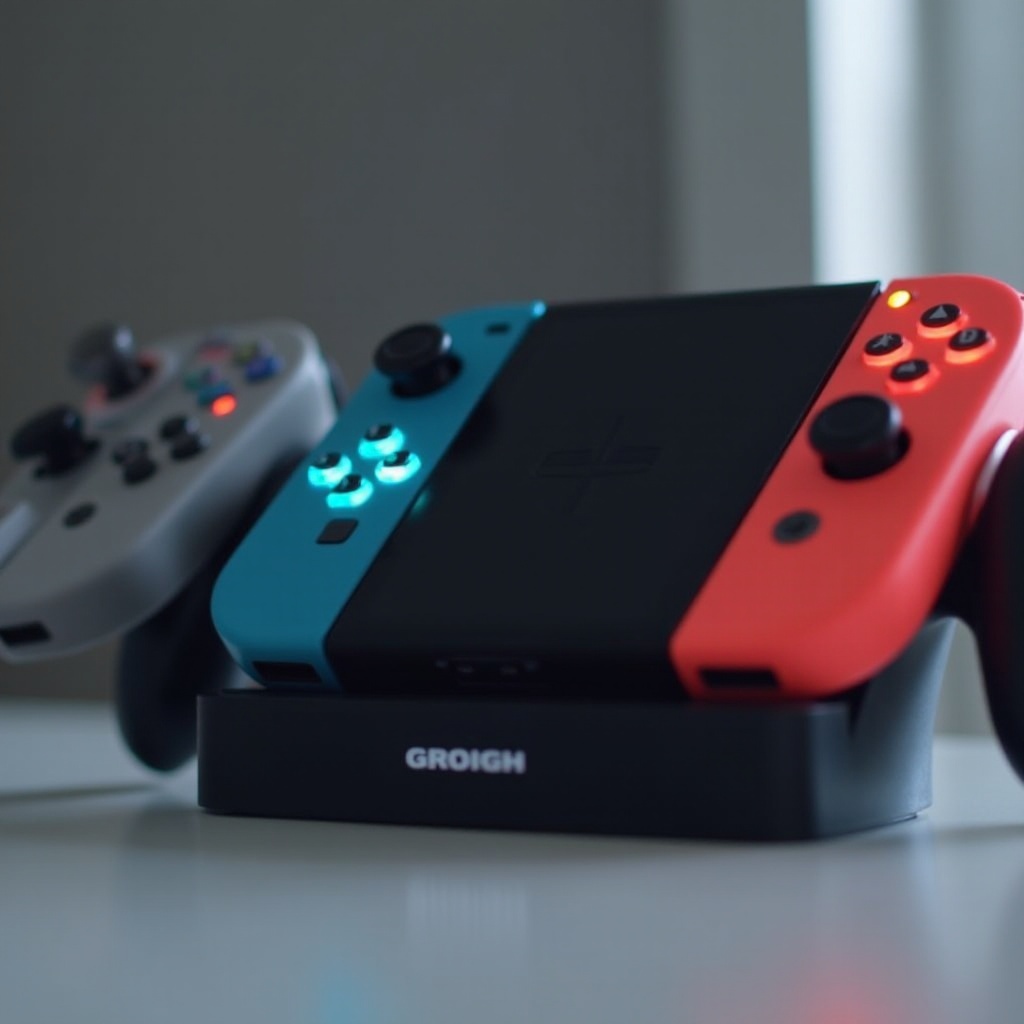
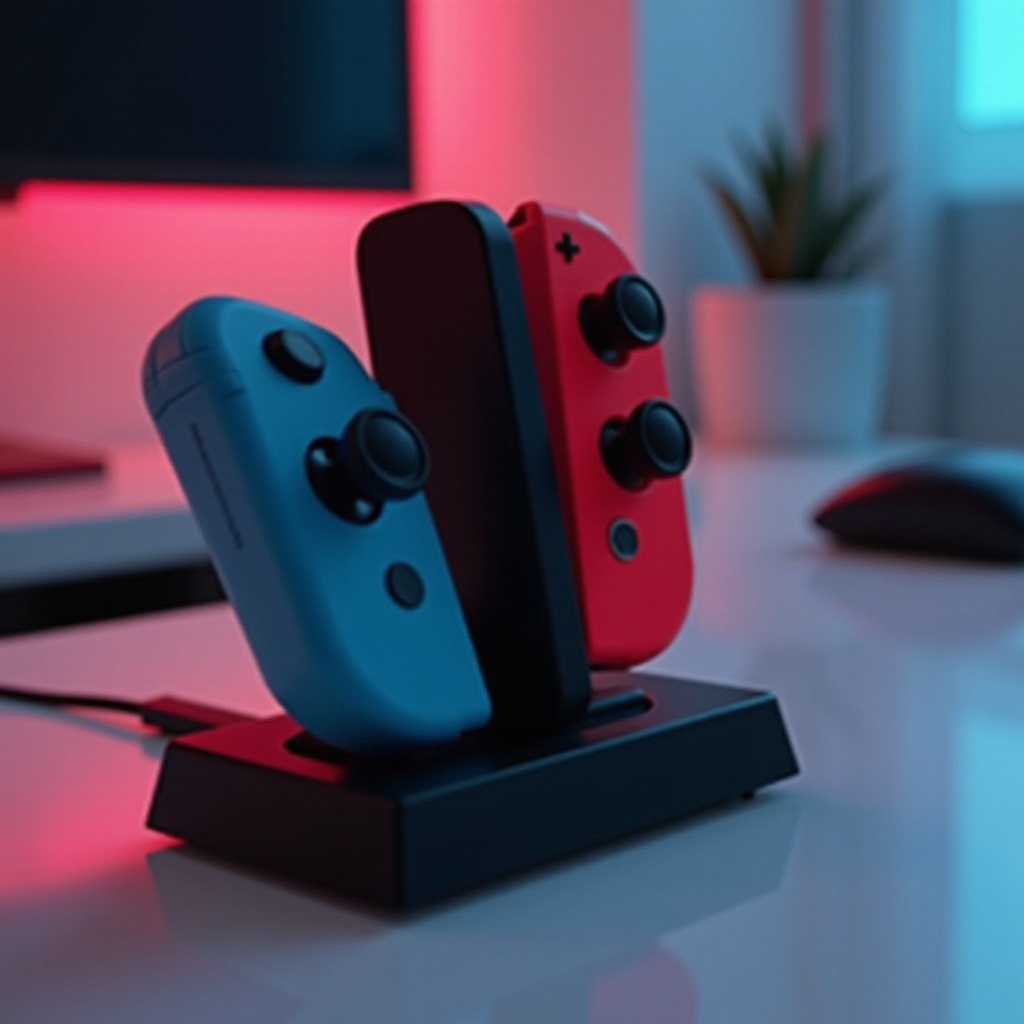
Charging docks are great for those who prefer not to attach controllers to the console. These docks often charge multiple Joy-Cons simultaneously and feature indicators to show completion. Insert the Joy-Cons into the dock, ensuring the dock is powered.
- Portable Charging Solutions
For those always on the move, portable chargers like power banks offer a neat solution. These devices allow you to recharge Joy-Cons without console connection. Make sure your portable charger has compatible connectors.
Each of these methods provides flexibility based on power source accessibility and convenience, setting the stage for best practices.
Best Practices for Charging Joy-Con Controllers
Adhering to efficient charging habits can prolong your controllers’ battery life and enhance your gaming experience.
- Optimizing Battery Life
Charge Joy-Cons before the battery depletes completely, ideally when at 20-30%. Avoid leaving them on charge longer than necessary to prevent overcharging.
- Avoiding Common Charging Mistakes
Steer clear of third-party chargers that do not follow recommended specifications as they may supply inconsistent power. Keep controllers in cool, dry locations to prevent overheating.
Following these best practices will help maintain your controllers’ longevity and reduce potential disruptions, transitioning into troubleshooting methods.
Troubleshooting Common Charging Issues
Despite following best practices, charging issues may still occur. Being able to troubleshoot can save time and frustration.
- Identifying Charging Problems
If your controllers aren’t charging, first ensure they are properly attached to the console or dock. Verify the power source is operational and inspect for any wear on cables and connectors.
- Solutions and When to Seek Professional Help
A system restart or reinserting the controllers can resolve minor issues. Persistent problems might need cable replacement or professional maintenance. For ongoing issues, contact Nintendo support.
Being equipped with troubleshooting know-how will ensure your Joy-Cons continue to function effectively, framing up the advanced charging tips.
Advanced Charging Tips for Joy-Con Controllers
For gamers interested in moving beyond the basics, advanced strategies can further optimize your charging process.
- Innovative and Eco-Friendly Charging Options
Solar chargers offer an environmentally friendly solution, especially useful for outdoor gaming. Also, consider smart devices that automate charging schedules based on battery levels.
Using these advanced techniques can make your charging routine both convenient and sustainable, wrapping up with our conclusion.
Conclusion
Keeping your Joy-Con controllers powered and ready doesn’t have to be difficult. By understanding your charging options and implementing effective practices, you can enjoy continuous gameplay. Troubleshooting and exploring advanced charging tips further enhance the experience.
Frequently Asked Questions
How long does it take to fully charge Joy-Con controllers?
Joy-Con controllers typically take about 3.5 hours to reach a full charge when connected to the console or a compatible charger.
Can I use my Joy-Con controllers while they are charging?
You can use Joy-Cons while charging if attached to a powered Nintendo Switch console, but generally not recommended in other configurations.
What should I do if my Joy-Con controllers are not charging at all?
Check connections and cables for damage. Ensure the power source is on. If problems persist, replace the charger or consult Nintendo support.