Introduction
The Xbox console, a cornerstone of gaming entertainment, occasionally faces the frustrating issue of the power brick showing a red light. This guide will help you troubleshoot and solve the power brick red light problem to ensure your gaming sessions remain uninterrupted.
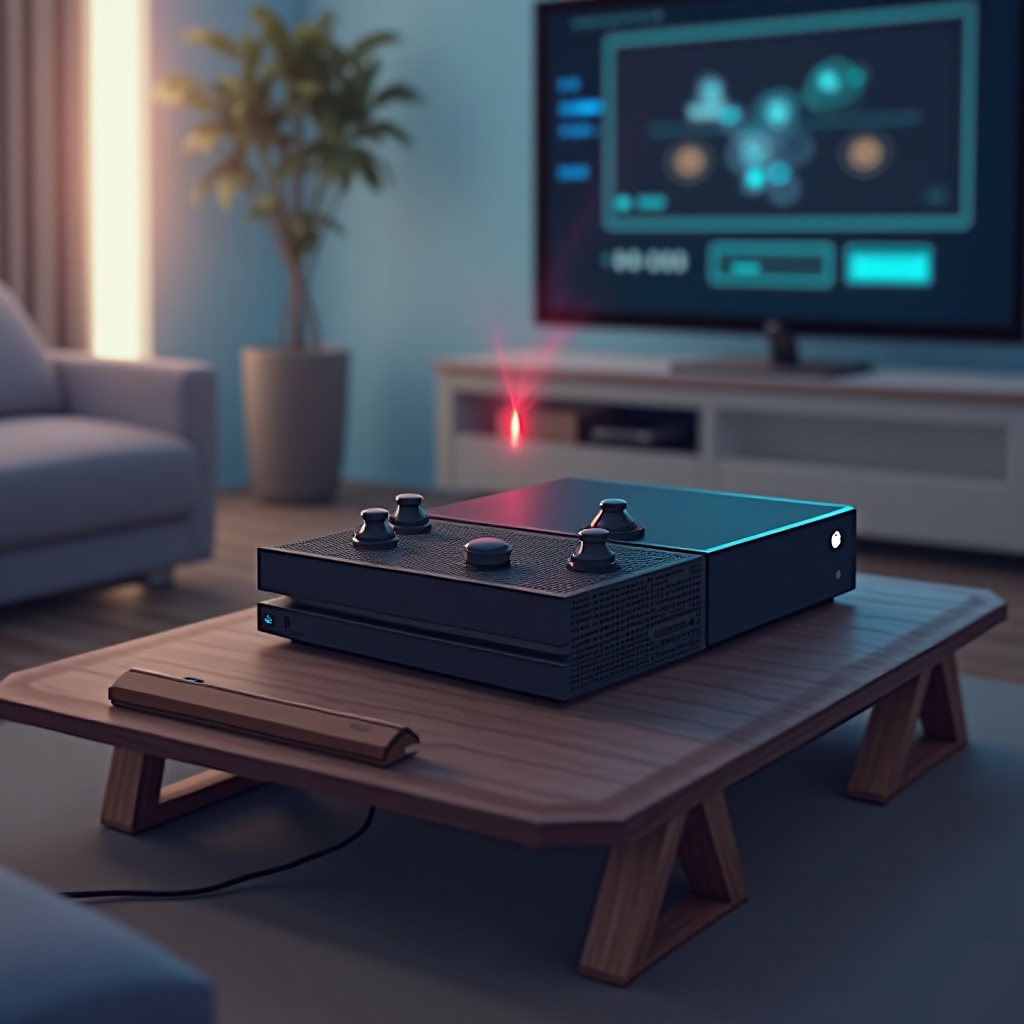
Understanding the Xbox Power Brick Red Light
When your Xbox power brick displays a red light, it’s signaling that something isn’t right with the power supply. Whether it’s insufficient power or a hardware issue, understanding this signal is key to resolving the problem swiftly. Knowing what these indicators mean can empower you to address them effectively and continue enjoying your console.
Common Causes of the Red Light Issue
To effectively tackle this issue, identifying common causes is essential.
- Electrical Surges: Sudden spikes or drops in voltage, often during storms or due to the use of an unstable power supply, can trigger the red light.
- Overheating Problems: Long gaming sessions or placing the console in a tight space can lead to overheating, causing the red light.
- Cable Connection Issues: A loose or damaged cable can disrupt the power flow to your console, resulting in the red light.
By understanding these common causes, you are better positioned to take the appropriate steps necessary for troubleshooting.
Preliminary Troubleshooting Steps
Before delving into complex fixes, try these initial steps to resolve the red light issue:
- Inspect Cable Connections: Make sure all cables are securely connected to both the console and the power supply. A simple adjustment might solve the issue.
- Check the Power Outlet: Plug another device into the outlet to ensure it is functioning correctly. This rules out any issues with your household’s electricity.
- Reset the Power Brick: Disconnect the power brick from the outlet for about 10 minutes to allow it to reset. This can resolve minor glitches affecting the power supply.
These basic checks can often pinpoint the problem, preventing the need for more involved solutions.
Detailed Fixes for Resolving the Red Light
Should preliminary steps prove ineffective, more detailed fixes are worth considering:
- Ensure Adequate Ventilation: Ensure your power brick has proper airflow around it to avoid overheating. Blocked vents can lead to thermal issues.
- Try a Different Power Cable: If the cable is faulty, replacing it could solve the red light problem. Use one that is compatible and in good condition.
- Perform a Full Power Cycle: Completely shut down your Xbox and unplug the power supply before pressing the console’s power button for at least 10 seconds. Reconnect and power it back on to see if the issue persists.
These in-depth solutions target more persistent issues and provide a pathway to seamless gameplay.
When to Consider Replacing the Power Brick
Sometimes, persistent issues indicate a replacement might be necessary:
- Signs of a Failing Power Brick: If troubleshooting doesn’t help and the red light remains consistent, consider that the device might be at fault.
- Opting for Genuine Replacements: Always purchase original Microsoft power bricks to ensure compatibility and reliability. Authentic parts generally provide better durability and come with a warranty.
Knowing when to replace the power brick helps avoid unnecessary downtime and keeps your console running smoothly.
Preventative Maintenance Tips for Your Xbox
To prevent future occurrences of the red light issue, consider implementing these maintenance tips:
- Regular Cleaning: Dust buildup can affect your console’s performance. Clean your gaming area and device regularly to maintain optimal airflow.
- Use a Surge Protector: Protect your console from power spikes with a surge protector. This adds a layer of security against unpredictable power issues.
- Monitor Temperature Levels: Avoid placing your console and power brick in confined spaces. Ensure they have sufficient cooling, especially during intense gaming sessions.
Regular maintenance not only prevents the red light issue but also prolongs the overall lifespan of your gaming equipment.
Conclusion
Effortlessly addressing the Xbox power brick red light issue is within your reach. With informed troubleshooting steps and regular maintenance, you can maintain a seamless gaming experience.
Frequently Asked Questions
What does a red light on the Xbox power brick signify?
A red light often indicates a power issue, such as insufficient power supply, overheating, or a hardware fault.
Is using a third-party power brick for Xbox advisable?
No, it’s best to use official Microsoft power bricks to avoid compatibility issues and maintain warranty validity.
How can I keep my Xbox power brick cool?
Ensure it’s placed in a well-ventilated area, regularly free from dust buildup, and avoid enclosed spaces.