Introduction
Experiencing a dark picture on your LG television can significantly impact your viewing enjoyment. LG TVs, known for their superior display technology, sometimes experience this issue. This guide will help you identify the root causes and provide practical solutions to improve your TV’s picture quality.
Understanding Common Causes of Dark Picture Problems
Several factors can cause your LG TV to display a dark picture. Recognizing these issues is the first step in troubleshooting.
Settings Configuration Problems
Incorrect configuration of picture settings might lead to a darker screen. Often, this involves improper adjustments of brightness and contrast settings.
Software Glitches
Occasionally, software bugs or outdated firmware affect display performance. Ensuring that your TV’s software is current can resolve these issues.
Hardware Issues
Sometimes, hardware problems lead to a dark screen. Knowing the symptoms of hardware faults can save significant time in troubleshooting your TV.
Understanding these causes prepares you to effectively tackle the issue. Once familiar with potential reasons, the next step involves practical troubleshooting.
Step-by-Step Troubleshooting Guide
Addressing each cause systematically can help solve most dark picture problems. Here’s how:
-
Adjusting Brightness and Contrast
Start by adjusting your TV’s settings. Navigate to the picture settings menu and fine-tune the brightness and contrast to see if it improves the display. -
Updating TV Firmware
Visit the settings menu to check for any available firmware updates. Installing updates can often fix software-related issues causing dark pictures. -
Checking HDMI Connections
Inspect all HDMI cables and ports for proper connection. Loose or faulty cables often result in display problems. Ensure all connections are secure and replace any damaged cables.
Following these steps will address many common dark screen scenarios. Nonetheless, if the issue persists, professional help might be necessary.
When to Seek Professional Help
There are times when a professional’s intervention is essential.
Identifying Hardware Failures
If troubleshooting does not resolve the dark picture, a hardware failure may be to blame. Symptoms such as flickering or screen blackout often indicate such issues.
Warranty Considerations
Contact LG support if your TV is under warranty. Attempting self-repair might void warranties, so it’s crucial to opt for professional repair or replacement in these cases.
Seeking professional help when necessary ensures that you do not worsen existing issues and that your television investment is well-protected.
Tips for Enhancing Image Quality
Once the TV functions normally, optimizing the picture is key to enhancing your viewing experience.
Picture Mode Presets
Experiment with the different picture modes provided by LG, such as ‘Cinema’ or ‘Vivid’ mode, to match your viewing environment and content.
Advanced Color Calibration Techniques
For more precise adjustments, consider hiring a professional to calibrate colors. This can greatly enhance accuracy and depth.
Suitable Settings for Different Room Lights
Adjust settings based on ambient light. In brightly lit rooms, increase brightness, while dim settings are ideal for darker rooms.
Enhancing the picture quality enriches the entertainment value of your television, providing a more immersive experience.
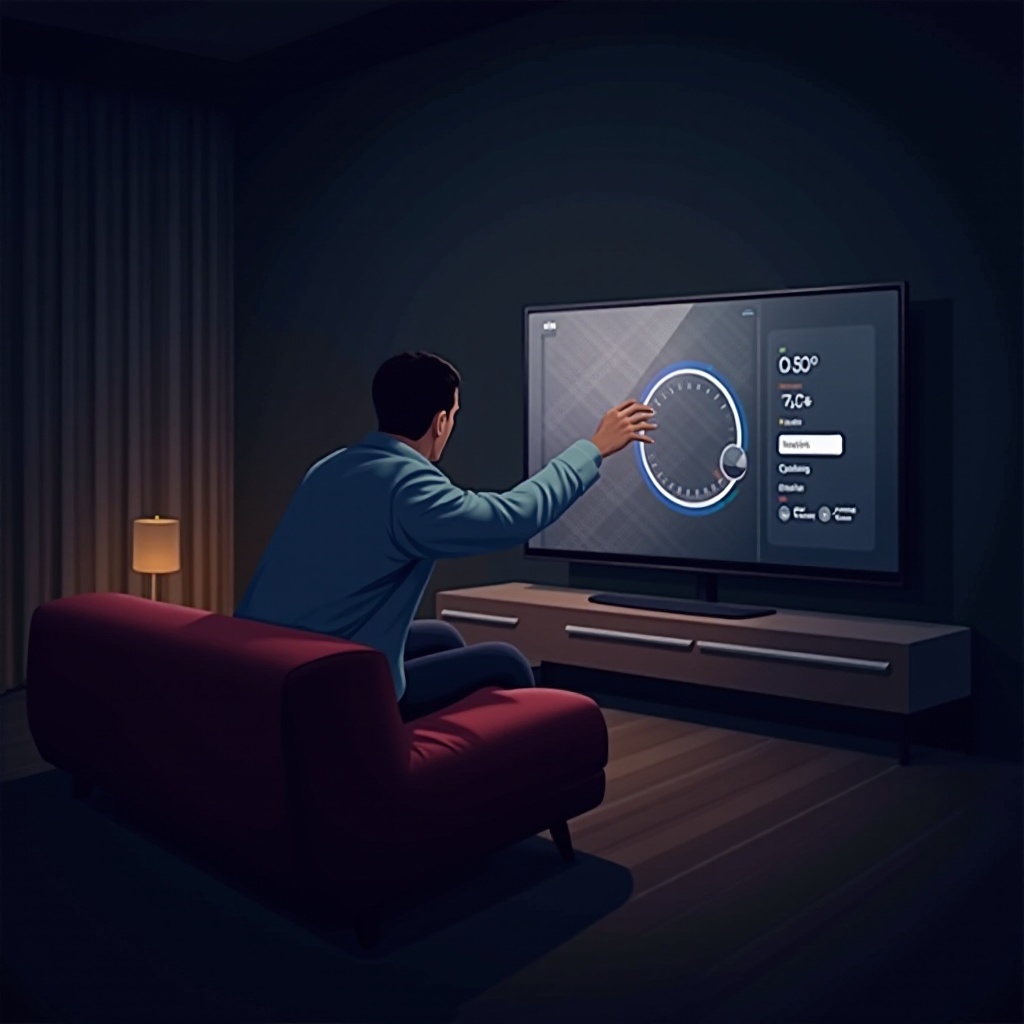
Additional Maintenance Tips
Routine maintenance can preempt future problems and prolong the lifespan of your TV.
Regular Firmware Updates
Enable automatic updates to ensure your TV always has the latest improvements, reducing software-related issues.
Proper Shut Down Procedures
Always turn your TV off correctly via the remote or power button to prevent configuration errors and potential problems.
By following these preventative steps, you can help ensure smooth operation and continued enjoyment of your LG television.
Frequently Asked Questions
What should I do if my LG TV screen suddenly goes dark?
First, check your settings, connections, and firmware. If the problem persists, consider professional assistance, especially if hardware issues are suspected.
Are there specific settings for avoiding a dark picture during daytime?
Adjust the brightness and contrast levels to suit brighter environments. Utilizing the ‘Vivid’ picture mode can also help achieve optimal clarity in daylight settings.
How often should I update my LG TV’s firmware?
Regularly check for updates or set your TV to update automatically to ensure it has the latest software enhancements. Keeping your firmware current minimizes software-related display issues.