Introduction
When tracking your fitness progress, ensuring accurate data is essential. Strava, a leading fitness app, allows athletes and fitness enthusiasts to monitor and review their physical activities comprehensively. However, when you’re logging your workouts, you might wonder whether your Apple Watch or iPhone provides more precise data.
Understanding the capabilities and limitations of both devices can help you make an informed decision. This blog will delve into the intricacies of Strava’s data metrics, compare the fitness tracking features of the Apple Watch and iPhone, and examine user feedback to determine which device offers the most accurate performance.
Understanding Strava and Its Data Metrics
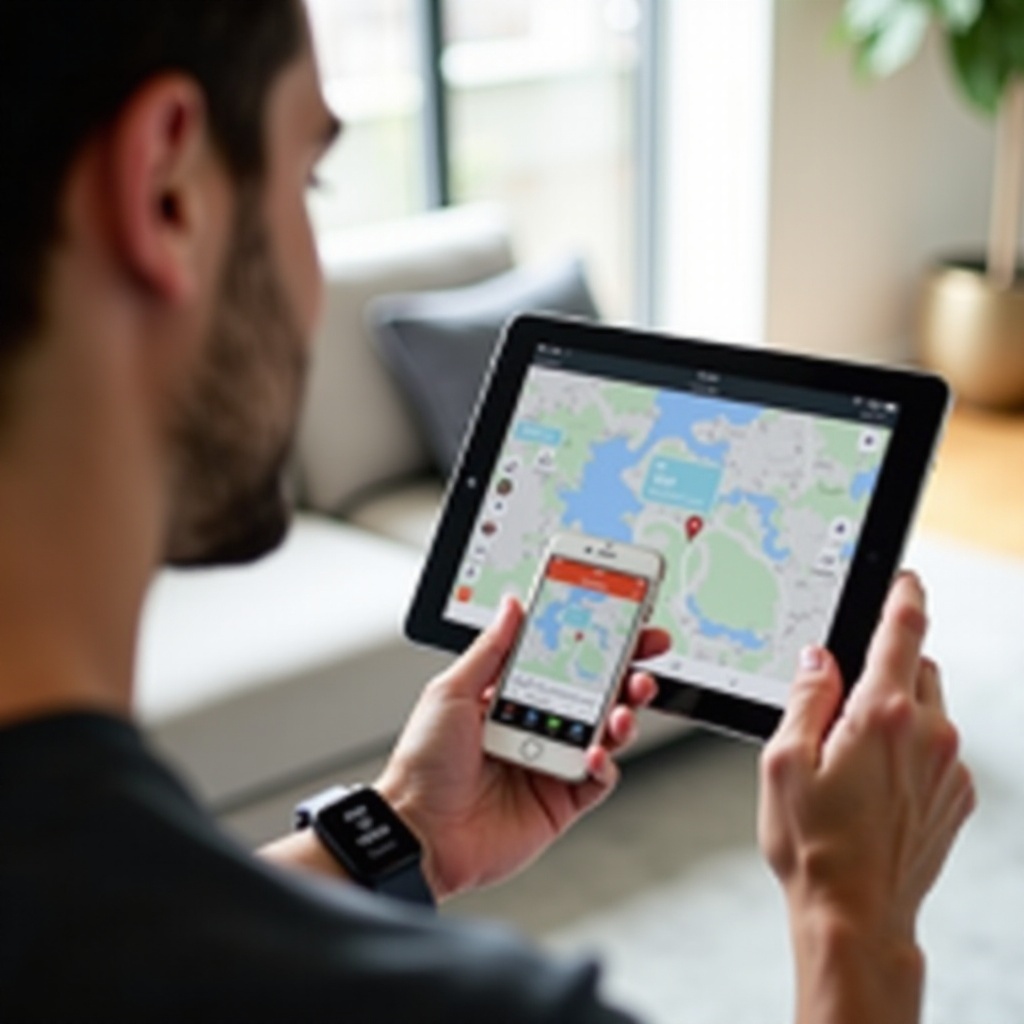
Strava stands out due to its comprehensive tracking and analysis of physical activities, from running and cycling to swimming and skiing. The platform uses GPS data to map out routes, gauge distances, and provide detailed stats on speed, elevation, and even heart rate.
One of Strava’s key features is its social aspect, allowing users to share their activities, join challenges, and follow their friends’ fitness journeys. Strava segments break down routes into smaller sections, fostering a competitive environment where users can compare their performances.
To ensure accurate tracking, Strava relies heavily on the quality of GPS data provided by your device. This data is combined with sensor readings to give a detailed overview of your activities. However, variability in hardware and software can lead to differences in the accuracy of the information recorded.
Apple Watch Fitness Tracking Capabilities
The Apple Watch is renowned for its fitness tracking capabilities, thanks to its built-in sensors, including an accelerometer, gyroscope, and heart rate monitor. The watch also boasts a barometric altimeter for elevation tracking, making it a versatile tool for various fitness activities.
One of the Apple Watch’s strengths lies in its integration with the Apple Health app, which consolidates data from multiple sources. This integration provides users with a holistic view of their health and fitness progress, enhancing the effectiveness of their workout routines.
When using Strava on the Apple Watch, the device records GPS data independently, even without an iPhone. This capability is particularly useful for runners and cyclists who prefer to exercise without carrying their phones. The watch’s lightweight design and ease of use further add to its appeal as a reliable fitness companion.
iPhone Fitness Tracking Capabilities
The iPhone, equipped with advanced GPS technology, is also a powerful tool for fitness tracking. When using Strava on the iPhone, the app leverages the device’s GPS and motion sensors to collect precise data on your activities. The high-resolution display makes it easy to review your stats and navigate through Strava’s user-friendly interface.
iPhones are particularly advantageous for their battery life and processing power, which ensure seamless tracking of even the longest workouts. The device’s large screen also allows users to interact with the Strava app more comfortably, providing immediate access to maps, stats, and user feeds.
Moreover, the iPhone’s ability to store and sync data with the cloud ensures that your workout history is safely backed up and accessible across multiple devices. This feature is especially beneficial for those who like to analyze their long-term progress and set new fitness goals.
Accuracy Comparison: Apple Watch vs. iPhone
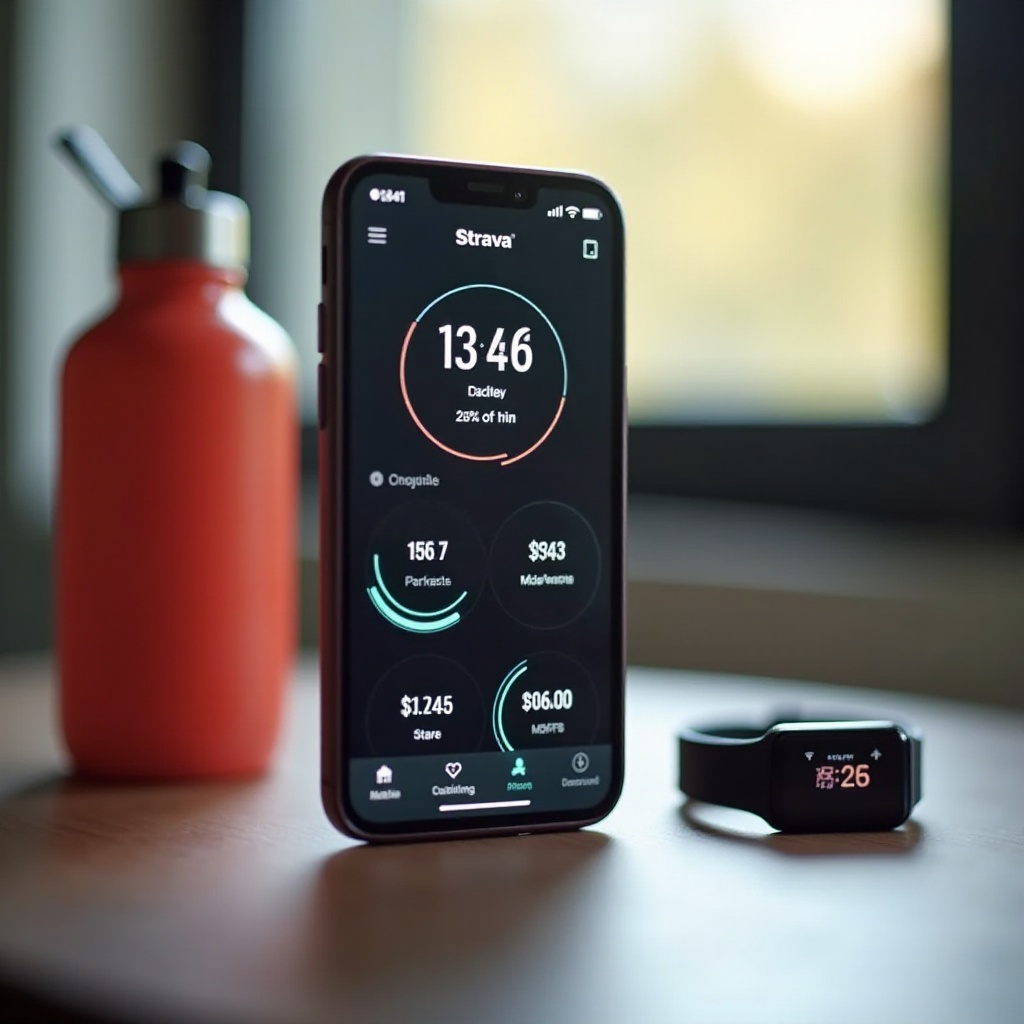
Comparing the accuracy of the Apple Watch and iPhone on Strava involves examining several factors, including GPS precision, sensor functionality, and data consistency.
GPS Precision: The iPhone generally offers more precise GPS tracking due to its advanced hardware and stronger signal reception. Larger antennae in the iPhone enhance the quality of the GPS data, leading to more accurate route mapping. However, the Apple Watch’s GPS capabilities are impressive, and advancements in newer models have narrowed the gap between the two devices.
Sensor Functionality: The Apple Watch excels in sensor-based tracking, particularly with heart rate monitoring and step counting. These metrics are crucial for detailed fitness analysis, and the watch’s dedicated sensors provide accurate readings that complement the GPS data.
Data Consistency: Both devices offer consistent data recording, but variations can occur based on their usage. The Apple Watch’s data may slightly vary when synced with the iPhone, especially if GPS signals are weak or interrupted. Meanwhile, the iPhone’s data remains steady due to persistent signal reception and processing power.
Ultimately, the best device for accuracy on Strava will depend on your specific needs and the type of activities you engage in. If GPS precision is paramount, the iPhone might have a slight edge, but for comprehensive fitness tracking, including heart rate and steps, the Apple Watch is a formidable contender.
User Experiences and Feedback
To provide a well-rounded comparison, it’s important to consider the experiences and feedback from Strava users who utilize both the Apple Watch and iPhone. Many users appreciate the Apple Watch’s convenience and its ability to provide real-time feedback without the need for an iPhone. Cyclists and runners particularly value the watch’s lightweight design and the freedom to exercise without a bulky phone.
Feedback also indicates that the Apple Watch’s heart rate monitoring is highly regarded, offering consistent and reliable data that enhances workout insights. Users find the seamless integration with the Apple Health ecosystem particularly beneficial for holistic health tracking.
On the other hand, iPhone users praise the device’s battery life and the convenience of its large display for navigating through Strava’s features during workouts. The iPhone’s robust GPS capabilities also receive positive feedback for their accuracy in route mapping and distance tracking.
Some users suggest combining both devices for the best of both worlds. Using the iPhone for its superior GPS tracking and the Apple Watch for real-time data and heart rate monitoring can lead to an optimal fitness tracking experience.
Conclusion
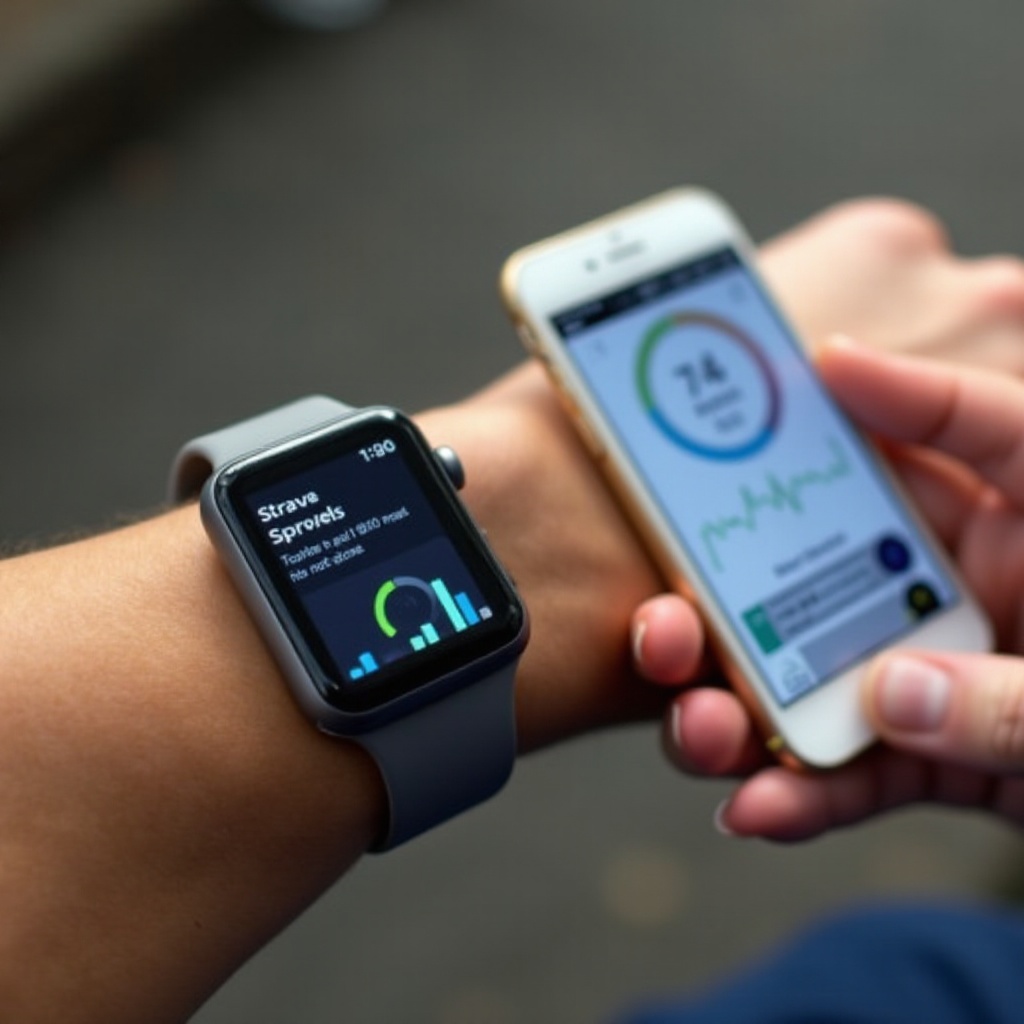
When deciding between the Apple Watch and iPhone for Strava, both devices offer distinct advantages. The iPhone excels in GPS precision and battery life, making it ideal for long-distance and highly accurate route tracking. The Apple Watch, with its dedicated sensors and real-time feedback, is perfect for comprehensive fitness tracking and convenience during workouts.
Considering user feedback and specific needs, the combination of both devices can provide the best results. By leveraging the strengths of each, you can achieve accurate and holistic fitness tracking, ultimately enhancing your Strava experience.
Frequently Asked Questions
Can I use both my Apple Watch and iPhone simultaneously for Strava?
Yes, you can use both devices simultaneously. Syncing your Apple Watch with your iPhone for Strava allows you to leverage the watch’s real-time data and the phone’s GPS accuracy, providing comprehensive fitness tracking.
How can I improve the accuracy of my Apple Watch on Strava?
To enhance the accuracy of your Apple Watch on Strava:
1. Ensure the watch fits snugly on your wrist.
2. Calibrate your watch by using the Workout app for outdoor walks and runs.
3. Maintain a clear view of the sky for better GPS signal during outdoor activities.
Is there a significant battery drain difference when using Strava on Apple Watch versus iPhone?
The battery drain varies between the two. The Apple Watch may experience significant battery drain due to its smaller battery size and continuous heart rate monitoring. The iPhone, with its larger battery, tends to handle long-duration GPS tracking better, maintaining more consistent battery levels during extensive usage.